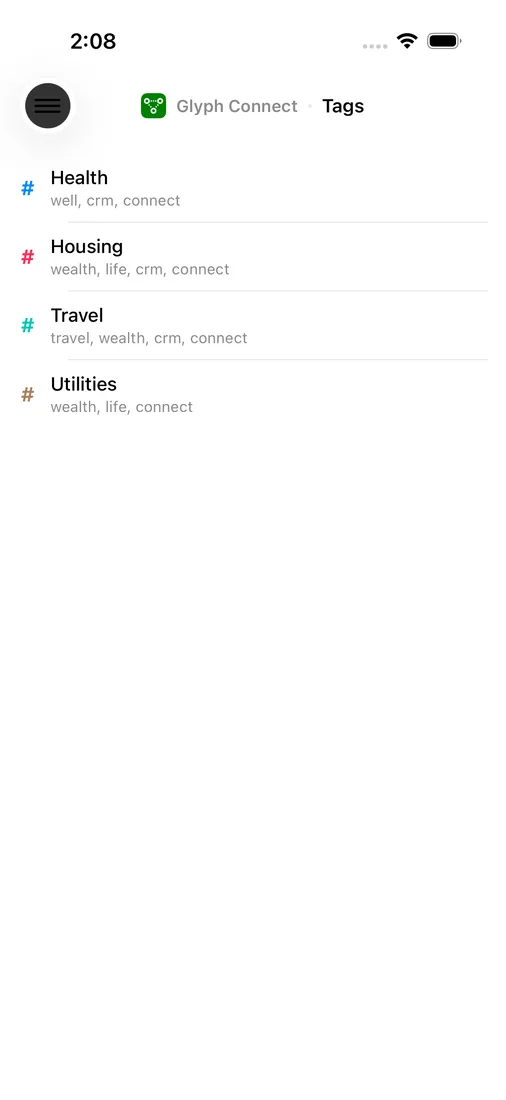
Glyph ConnectWhat your agents can actually reach
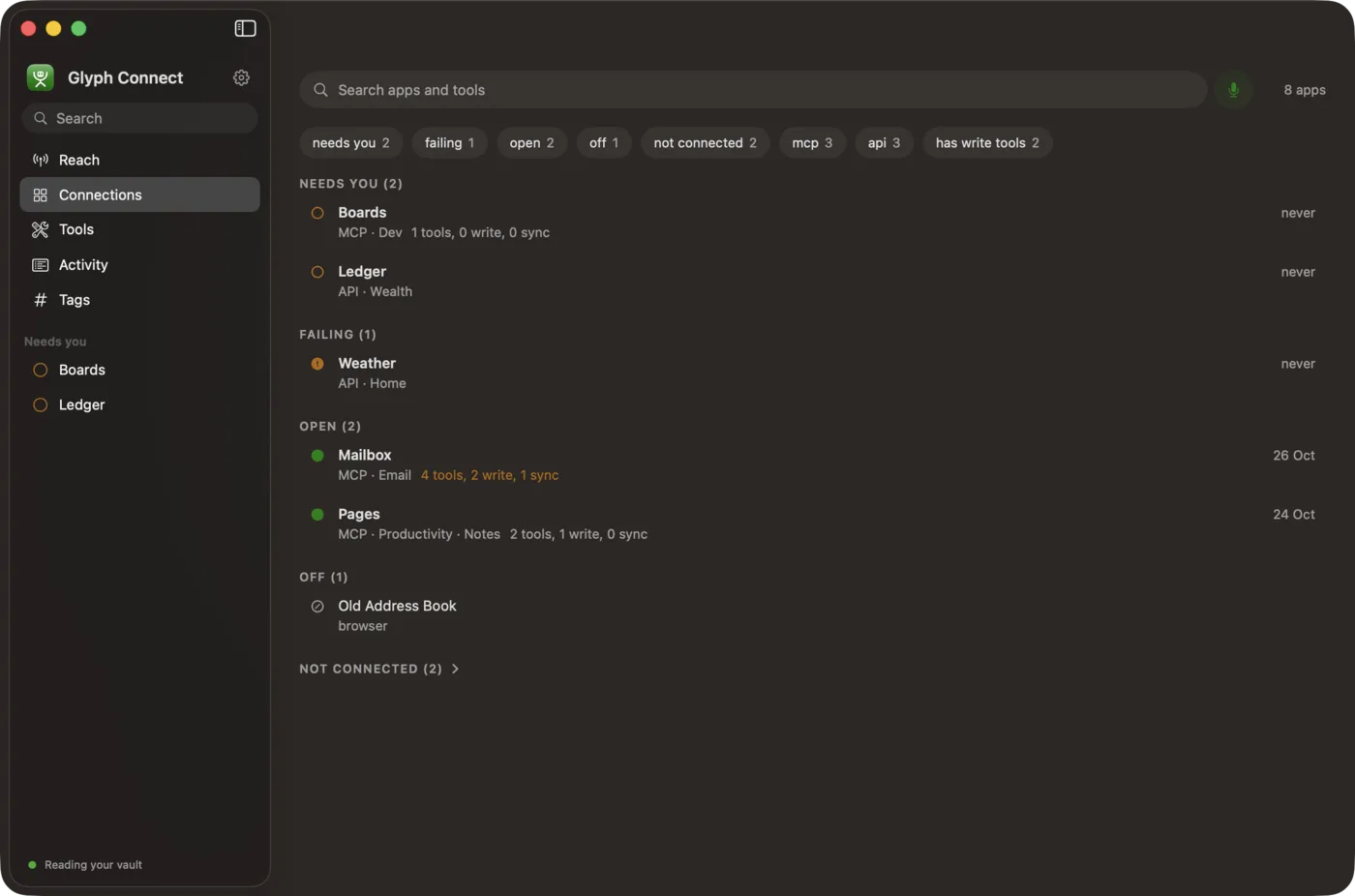
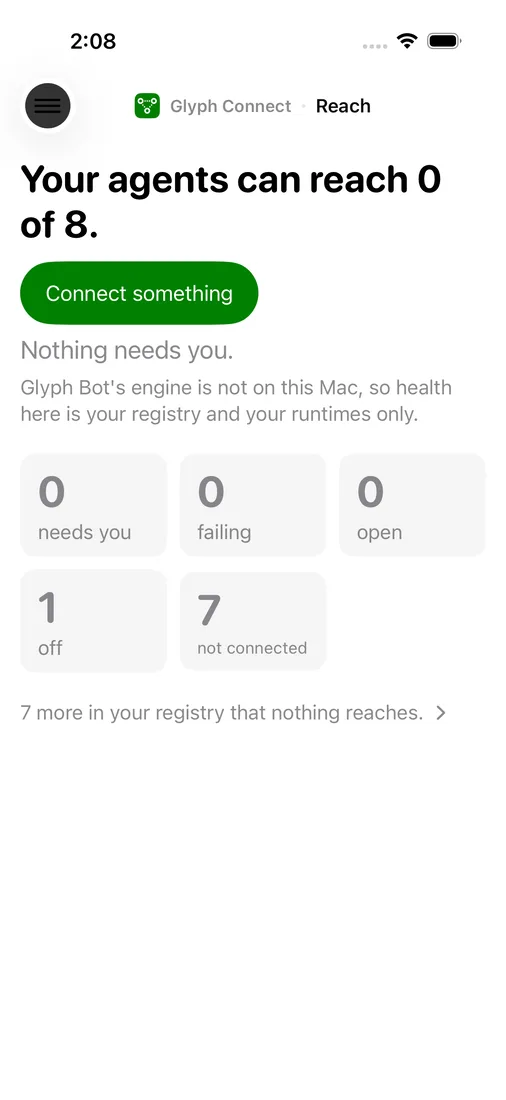
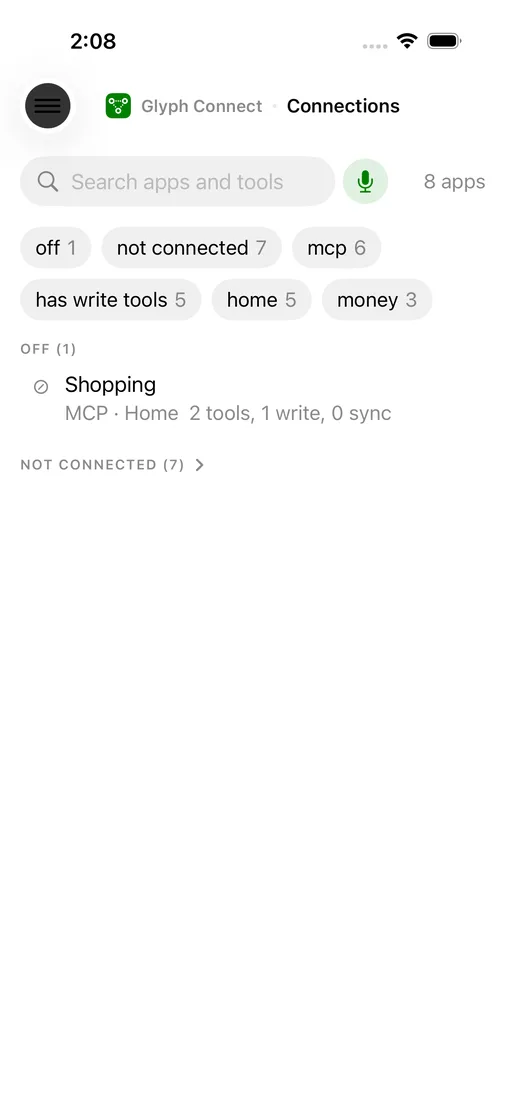
Every app and tool your agents can reach. And what each one may read and write.
Glyph Native installs Glyph Connect and keeps it up to date.
- Plain files
- Private
- Free
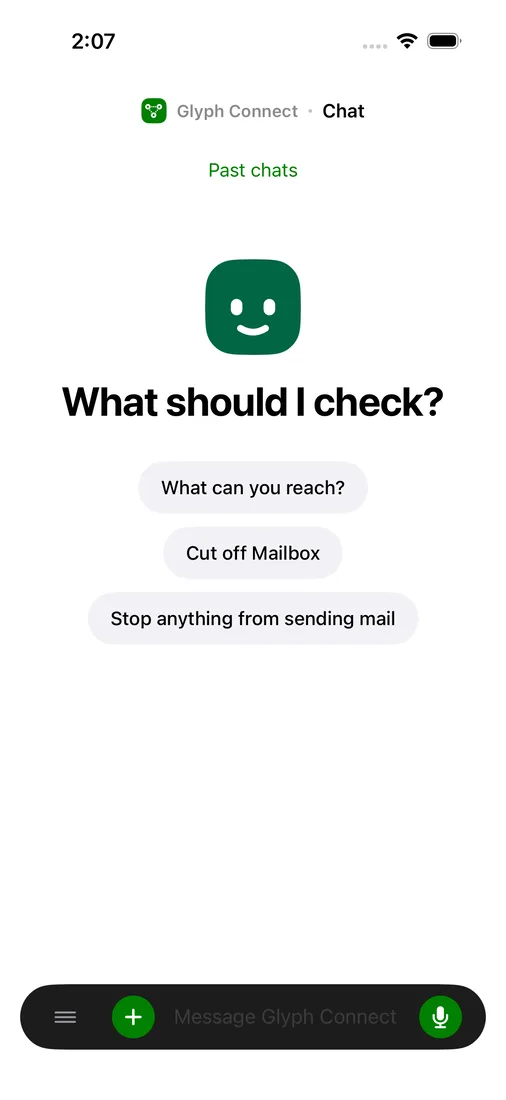
See what your agents can reach, and cut off what they should not.
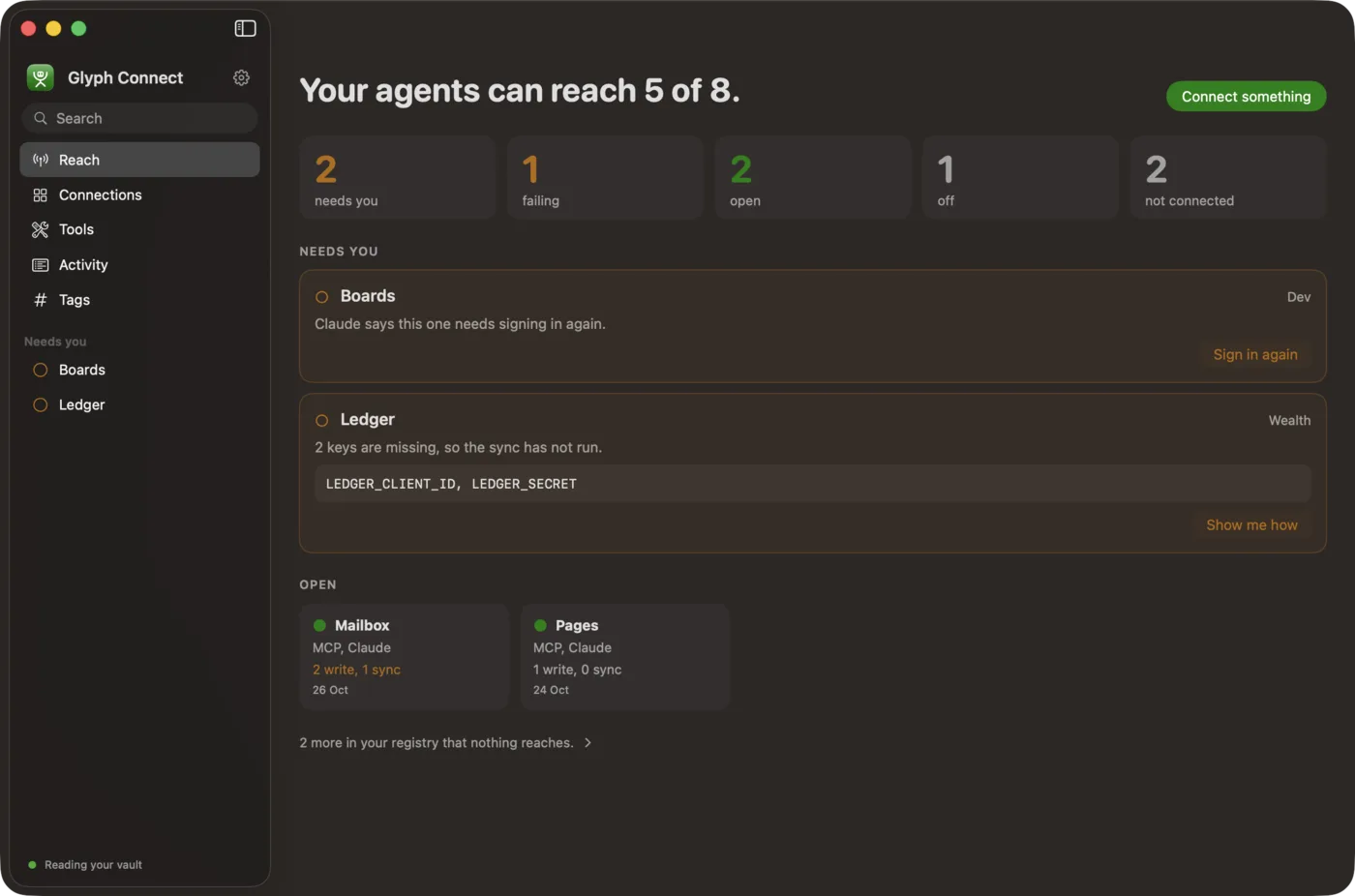
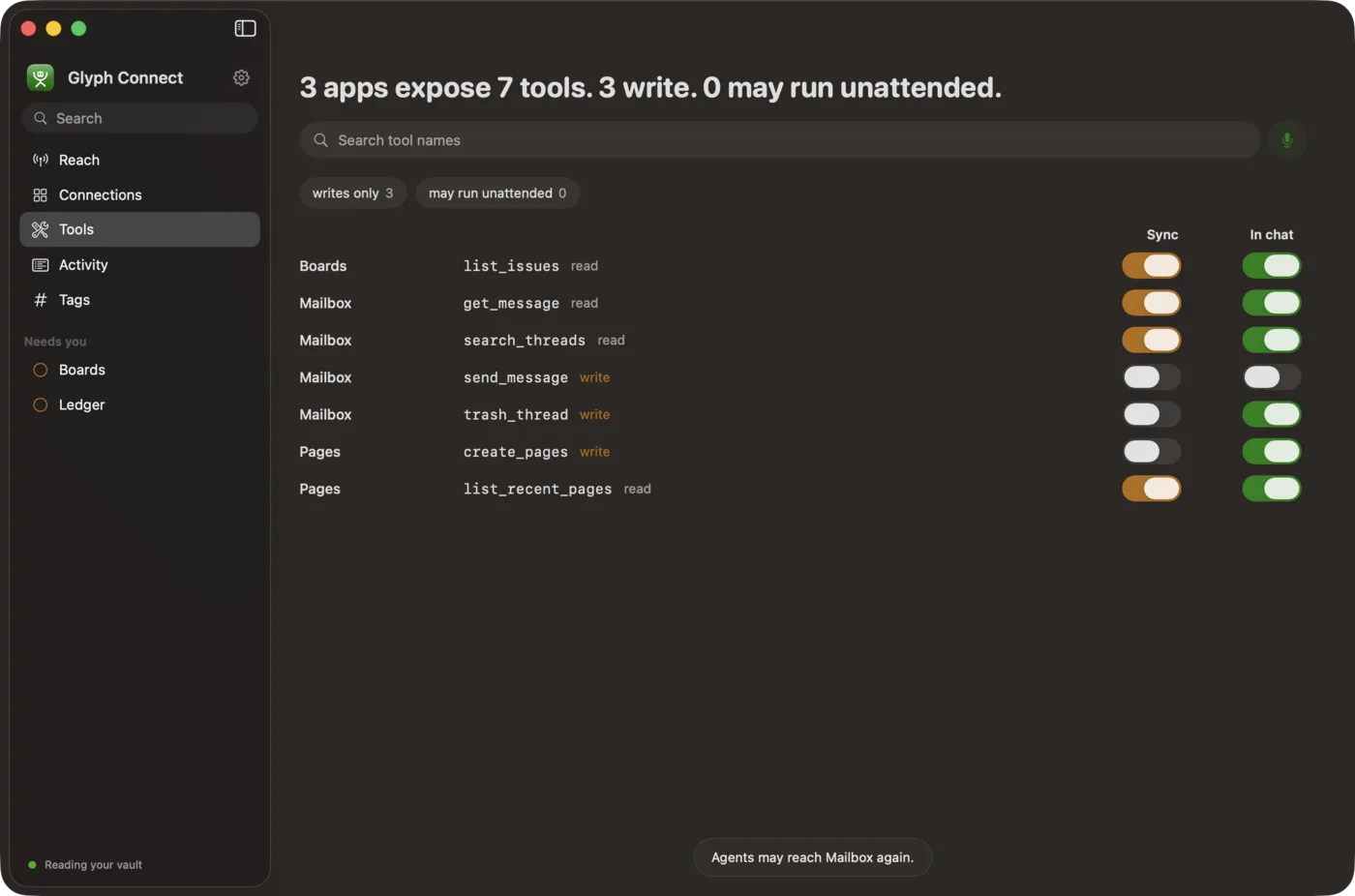
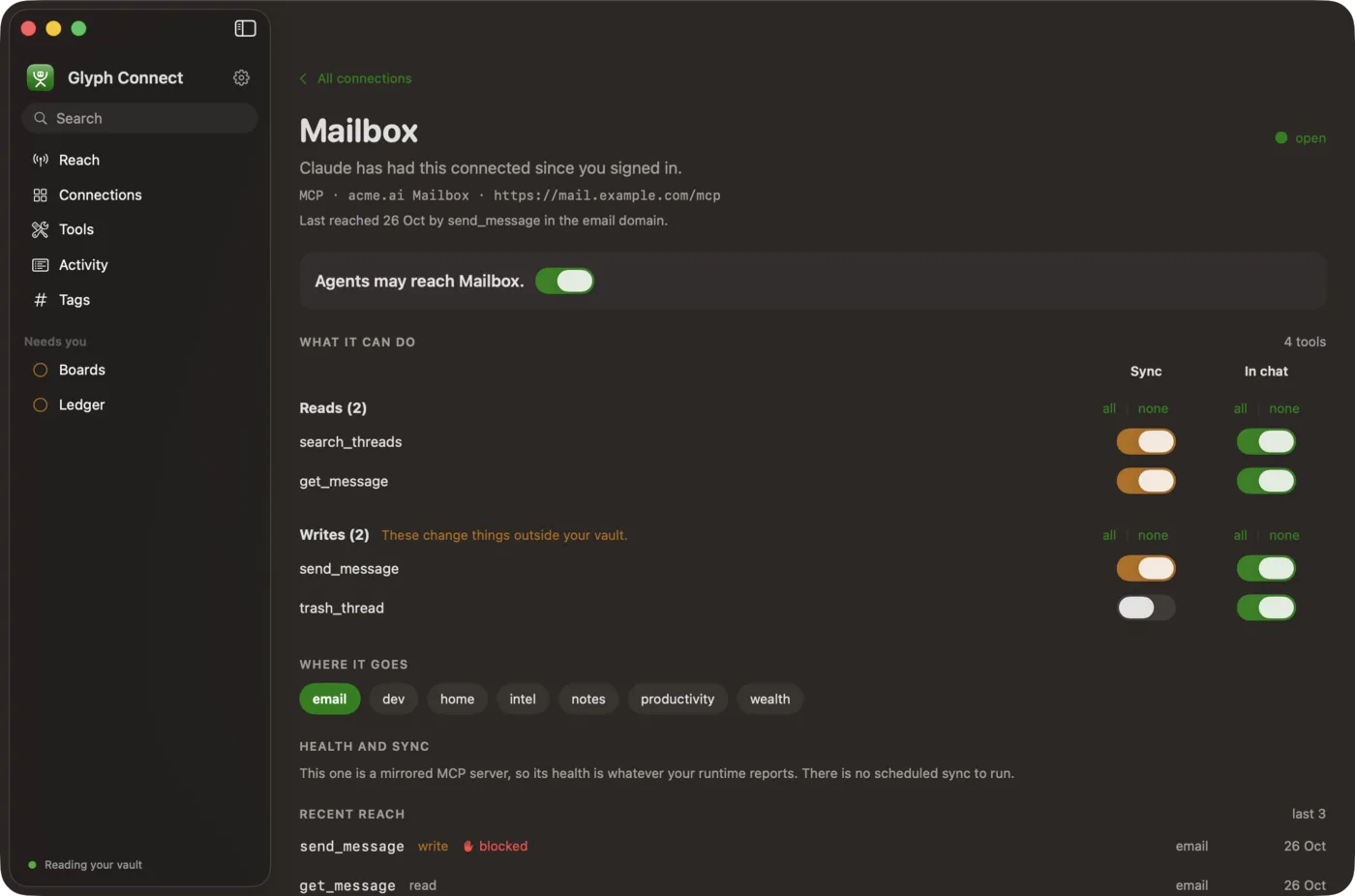
Pick an app. Every fact about it links to its own site, as of November 22, 2026.
Glyph ConnectFree Composio
 is a hosted service that connects agents to apps through its SDKs and MCP, with sign-in handled on its side. Glyph Connect is a Mac and iPhone app that shows the tools your agents can already reach, from the app registry in your own vault.
Glyph ConnectComposioPick Composio if you are building an agent product and want hundreds of app connections and sign-in handled for you.
You want to see and switch, per tool, what your agents may read and write.
Glyph ConnectFreeZapier MCP lets an agent run actions in the apps you have connected to Zapier, with each call billed against your task quota. Glyph Connect does not run actions; it shows every tool your agents can reach and lets you switch them off.
Glyph ConnectPick Zapier MCP if you want an agent to act in thousands of apps you already connect through Zapier.
You want to see and switch, per tool, what your agents may read and write.
Glyph ConnectFree Docker MCP Toolkit
 runs MCP servers on your machine, each in its own container, inside Docker Desktop. Glyph Connect runs no servers; it shows the tools your agents already reach, which need you, and what each may read or write.
Glyph ConnectDocker MCP ToolkitPick Docker MCP Toolkit if you want to install and run MCP servers in isolated containers from a catalog of 300+ verified servers.
You want to see and switch, per tool, what your agents may read and write.
Glyph Connect vs Docker MCP Toolkit: the full page, with sources
Glyph Connect is installed and kept up to date by Glyph Native, signed and notarized by Apple. Its code is private for now; the family's numbers are public on GitHub.
Yes.
No. It shows and switches what your agents may reach; your agents run the tools.
Yes. One click clears every write tool from sync, and one puts them back.
In the app registry already in your vault. It changes only the keys it owns.
An Apple silicon Mac on macOS 26 or later; the iPhone app reaches your vault through your own hub. Glyph Native installs it and keeps it up to date, signed and notarized by Apple.
Glyph Native installs Glyph Connect and keeps it up to date.