Glyph LifeThe paperwork of everyday life
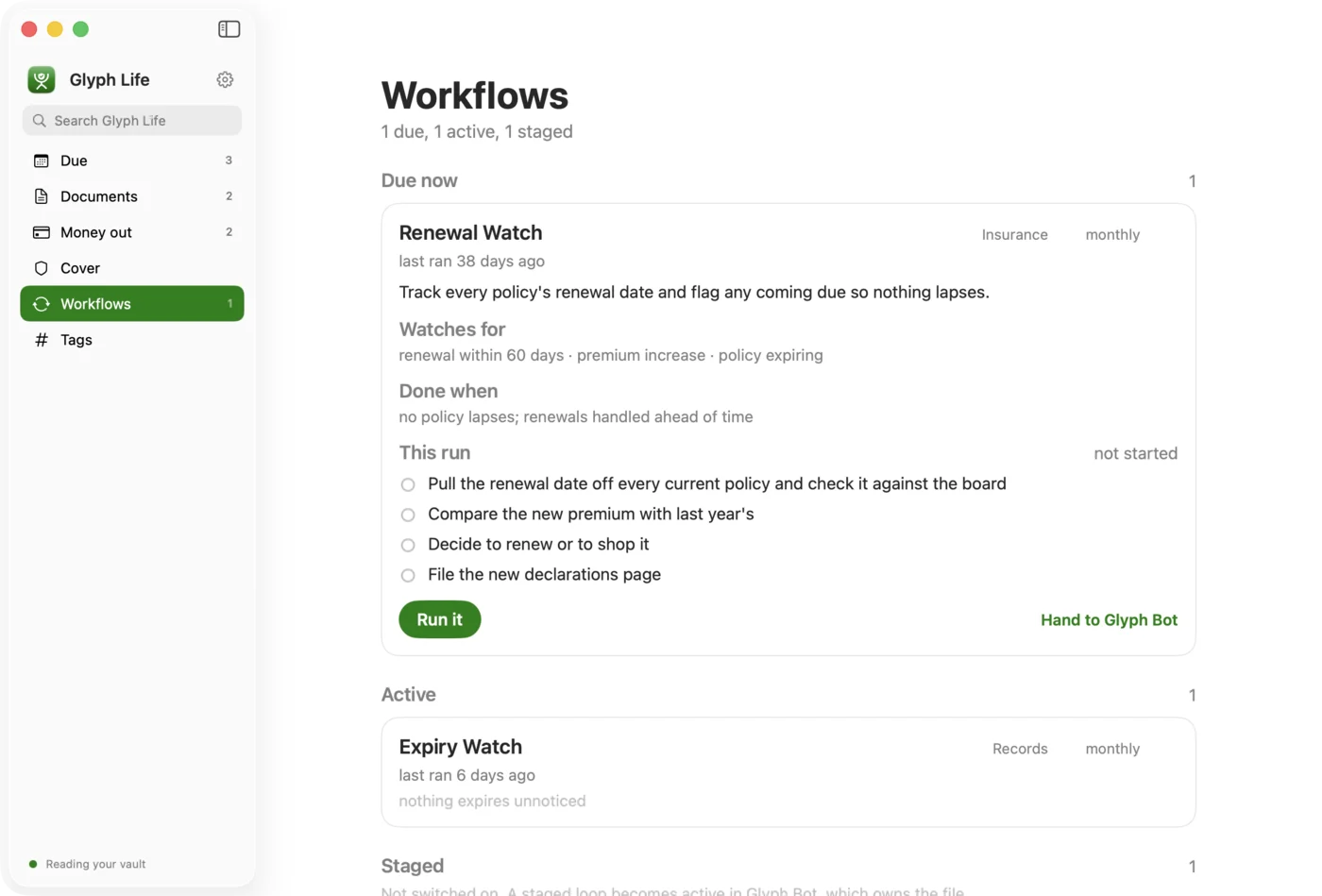
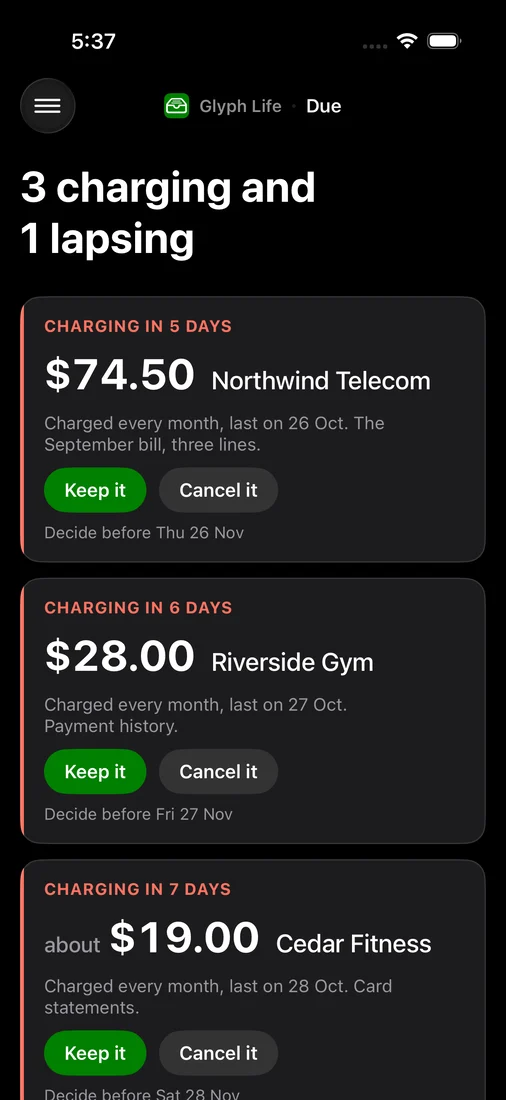
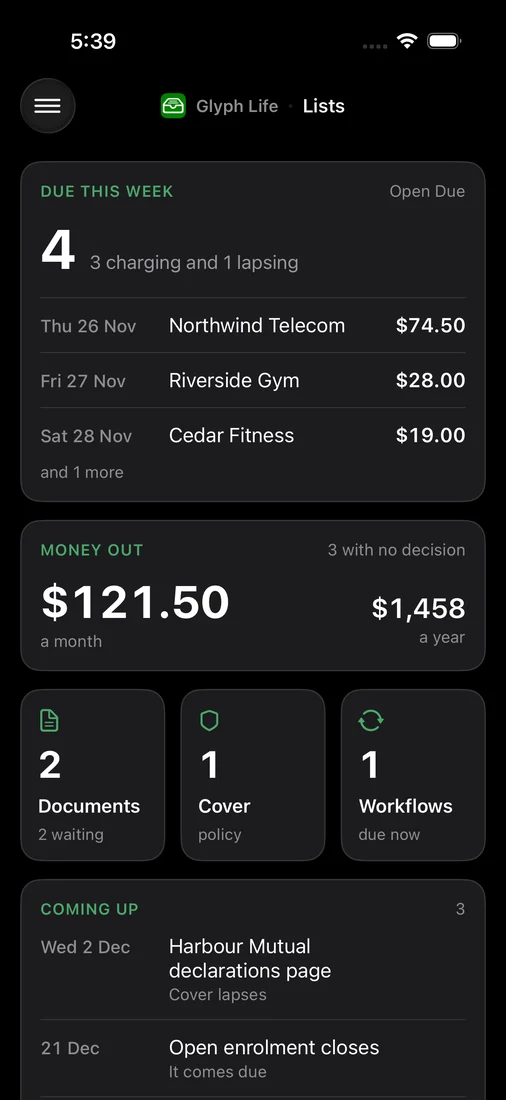
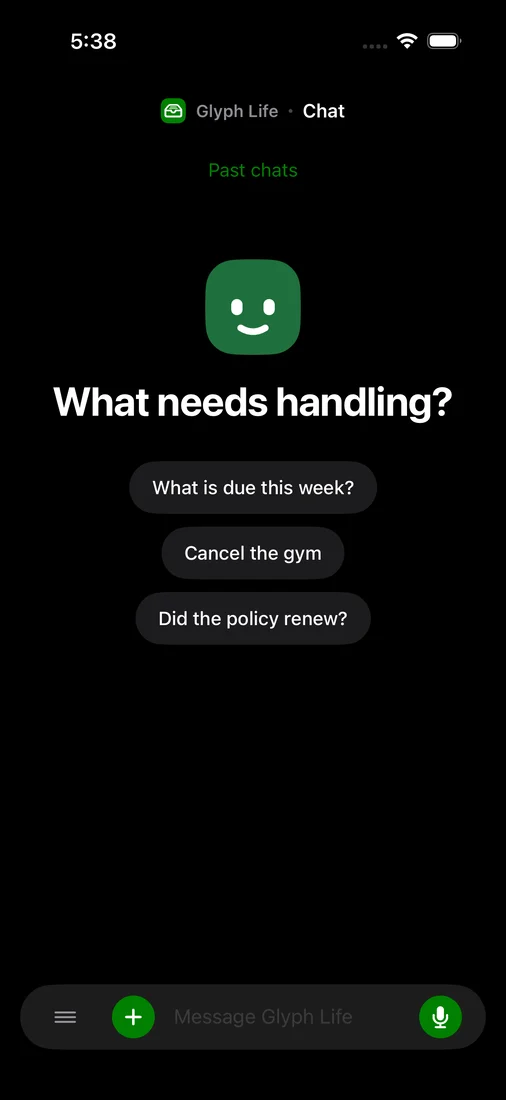
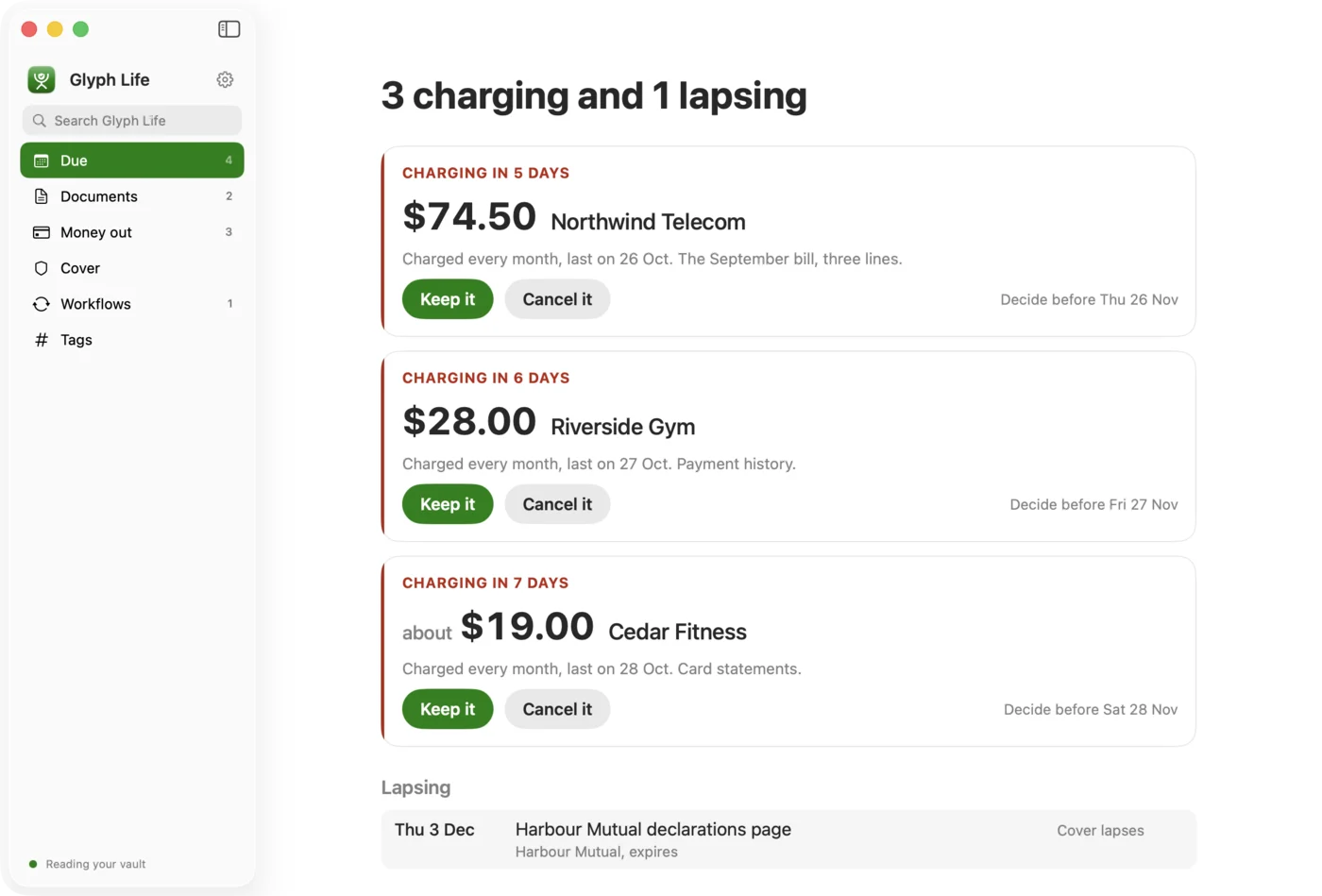
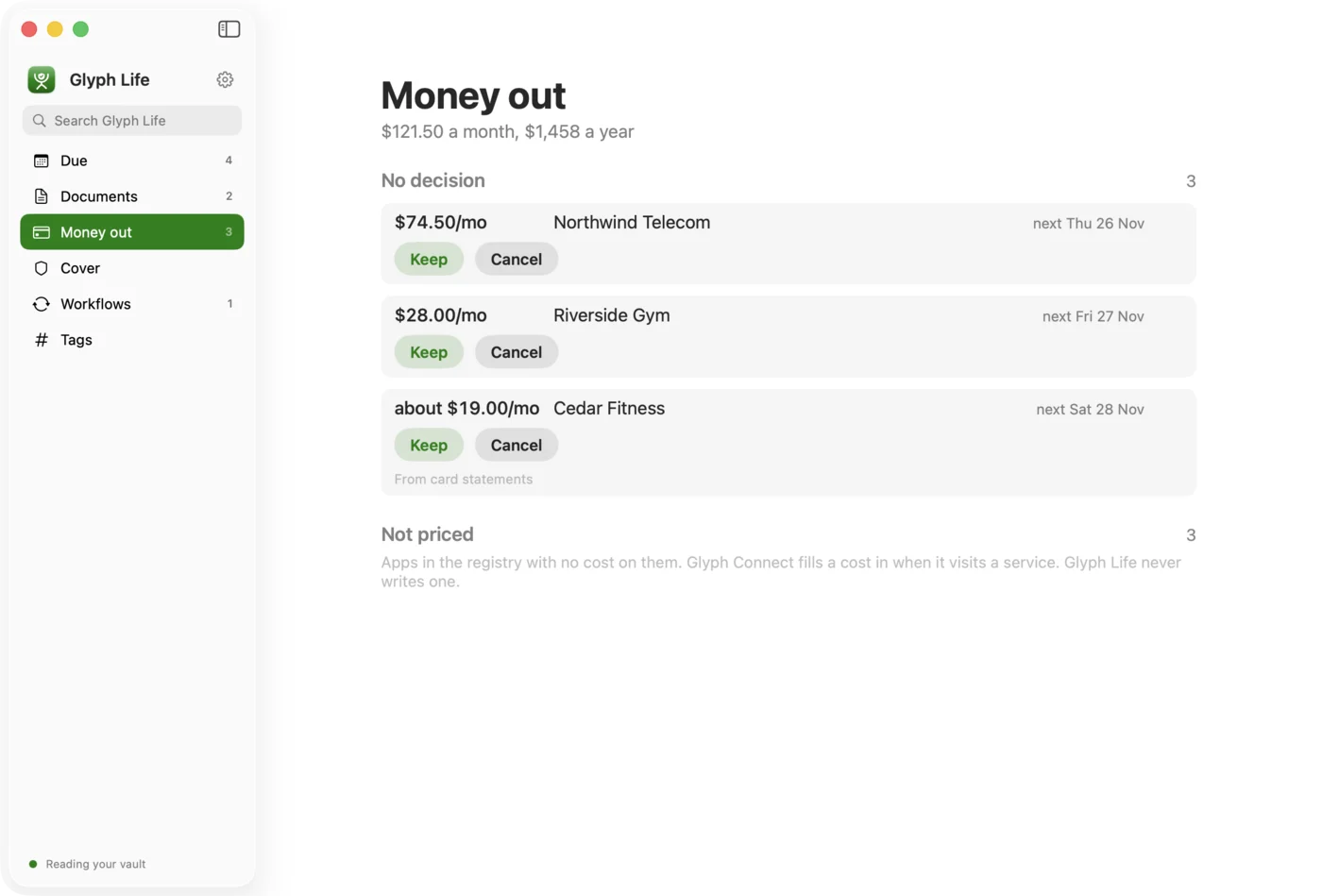
What is due, what charges, what lapses. Keep it or cancel it, before it charges.
Glyph Native installs Glyph Life and keeps it up to date.
- Plain files
- Private
- Free
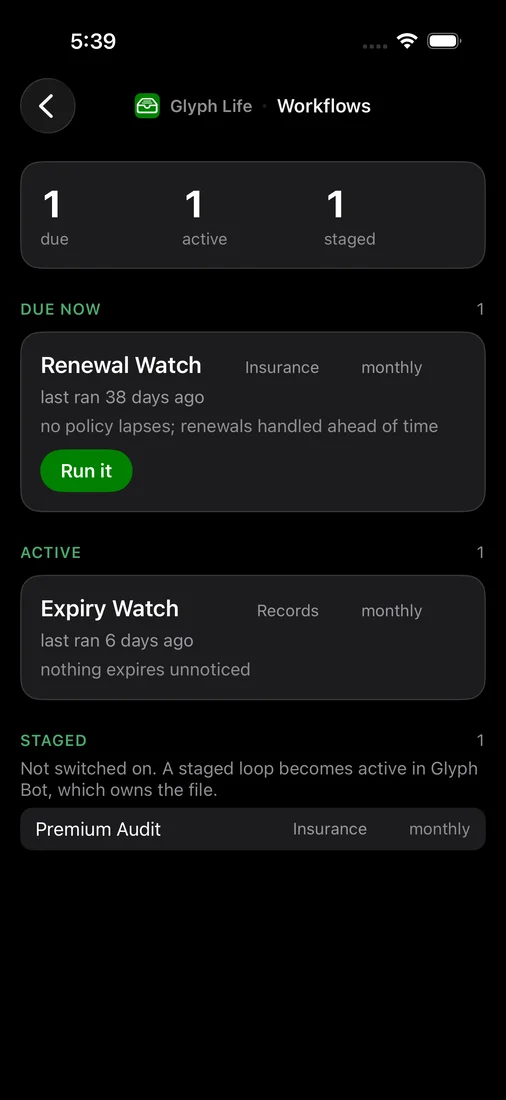
Everything that renews or expires, watched, so nothing surprises you.
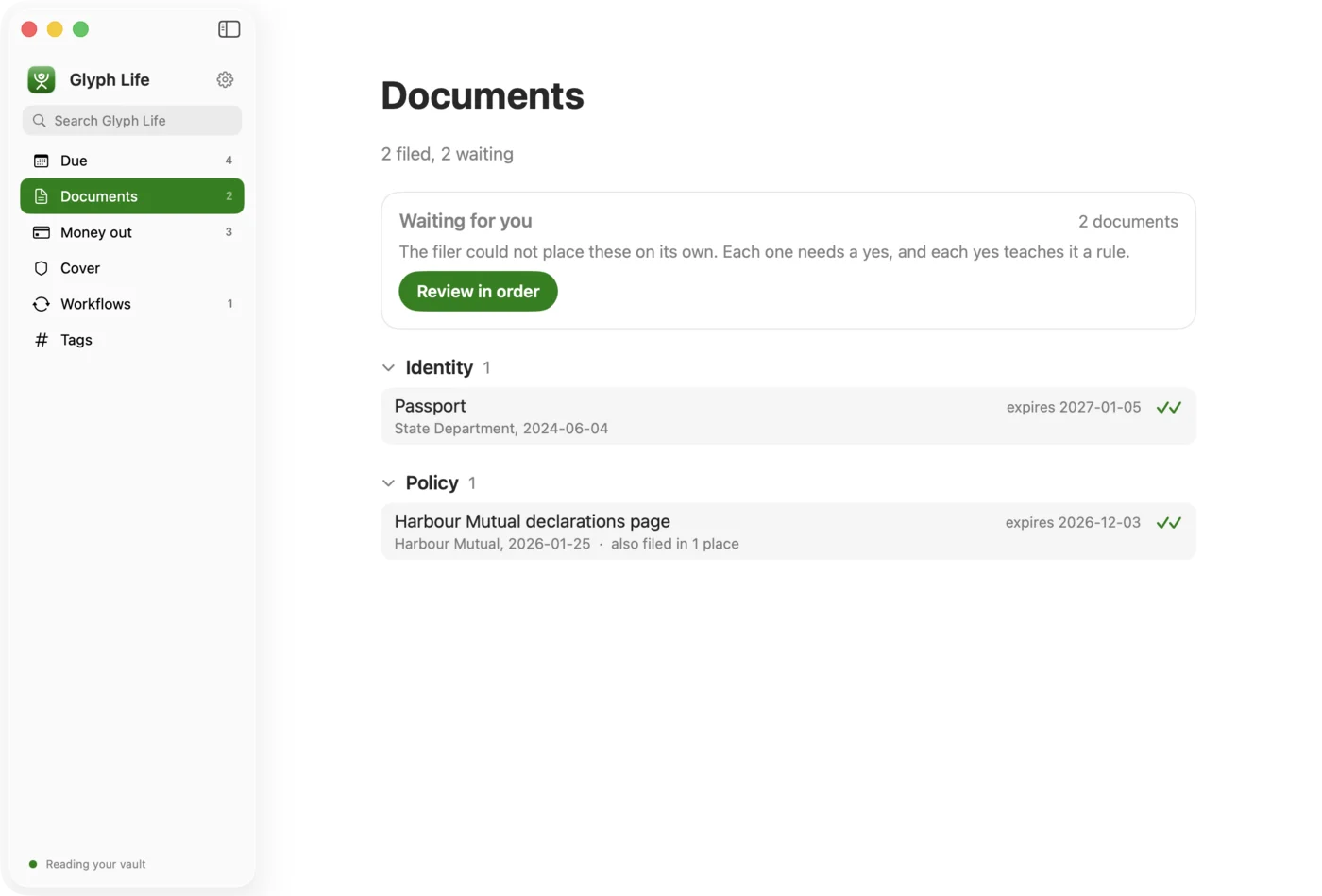
Pick an app. Every fact about it links to its own site, as of November 22, 2026.
Glyph LifeFree Rocket Money
 links your bank accounts through Plaid to find subscriptions, and on Premium its team cancels them for you. Glyph Life is free, reads your own vault, needs no bank login, and leaves the keep or cancel call and the cancelling to you.
Glyph LifeRocket MoneyPick Rocket Money if you want someone to cancel subscriptions and negotiate bills on your behalf.
You want every renewal, charge and expiry in one place, without a bank login.
Glyph LifeFree Bobby
Bobby is an iPhone subscription tracker where you add each subscription by hand. Glyph Life covers subscriptions plus insurance, documents, expiry dates and recurring jobs, read from your own vault.
Glyph LifeBobbyPick Bobby if you only want a small, simple list of subscriptions and their next charge on your iPhone.
You want every renewal, charge and expiry in one place, without a bank login.
Glyph LifeFree Trustworthy
 is a family document organizer that stores passports, wills and policies in its encrypted cloud and can pull documents from your email. Glyph Life reads documents already filed in your own vault and needs no account.
Glyph LifeTrustworthyPick Trustworthy if you want a shared family vault with email import and concierge help on the top plan.
You want every renewal, charge and expiry in one place, without a bank login.
Glyph Life is installed and kept up to date by Glyph Native, signed and notarized by Apple. Its code is private for now; the family's numbers are public on GitHub.
Reads your own vault. Nothing is sent to fru.dev.
Yes.
No. It reads what is already in your vault.
No. It asks you to keep or cancel before each date and remembers your answer.
In your own vault. It writes only your decisions.
An Apple silicon Mac on macOS 26 or later; the iPhone app reaches your vault through your own hub. Glyph Native installs it and keeps it up to date, signed and notarized by Apple.
Glyph Native installs Glyph Life and keeps it up to date.