Glyph OmegaFrom your mission to today's move
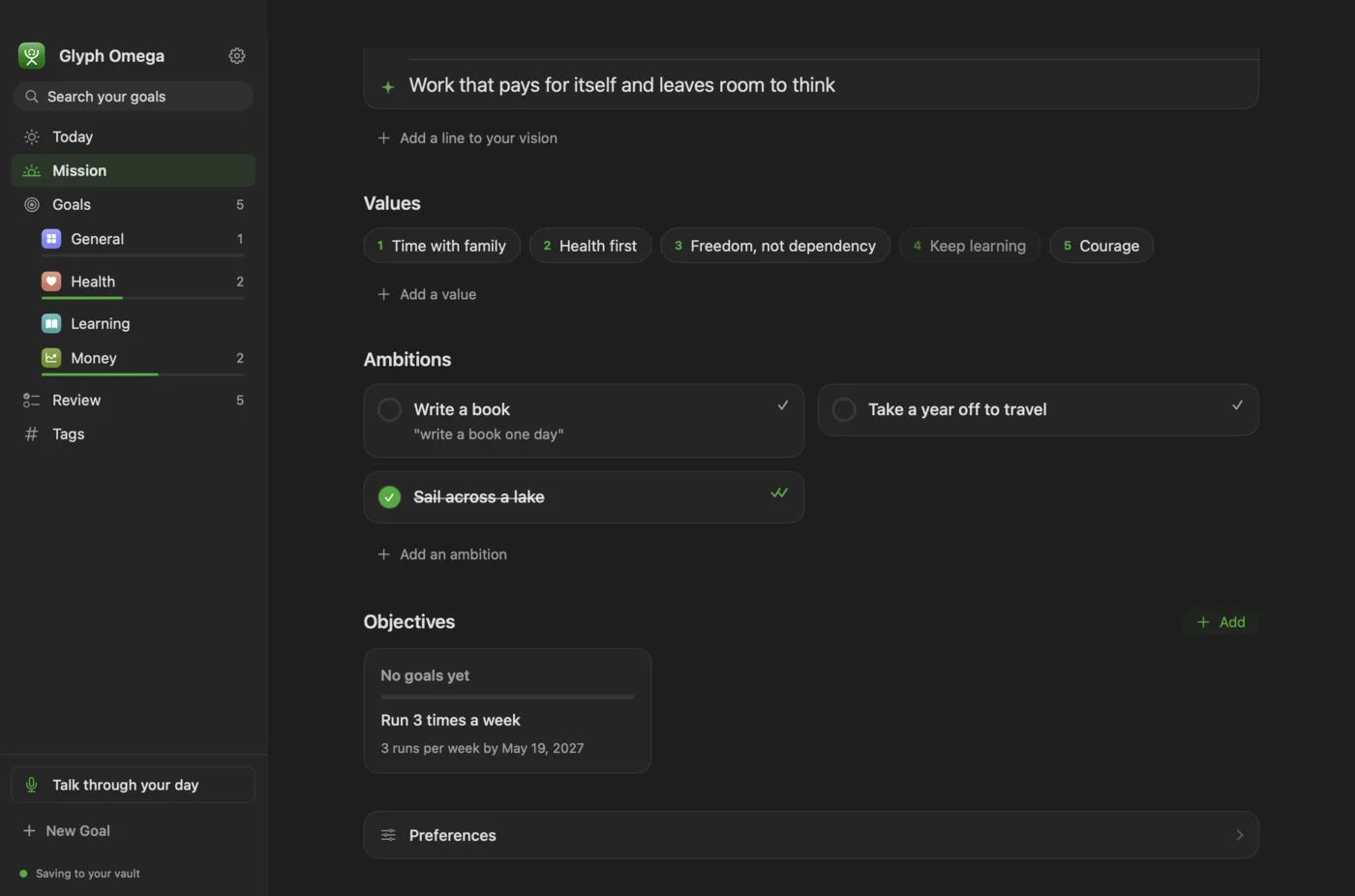
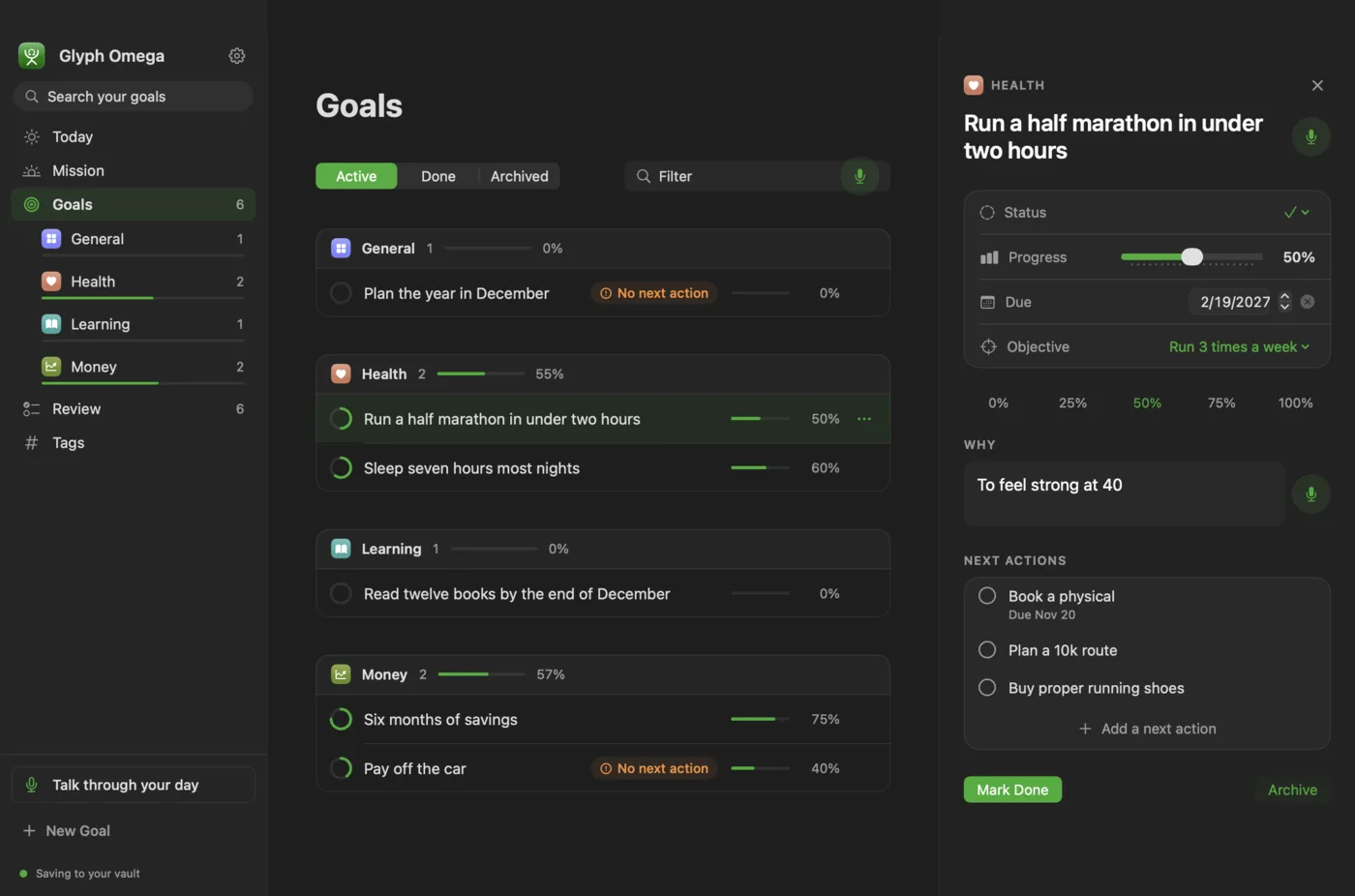
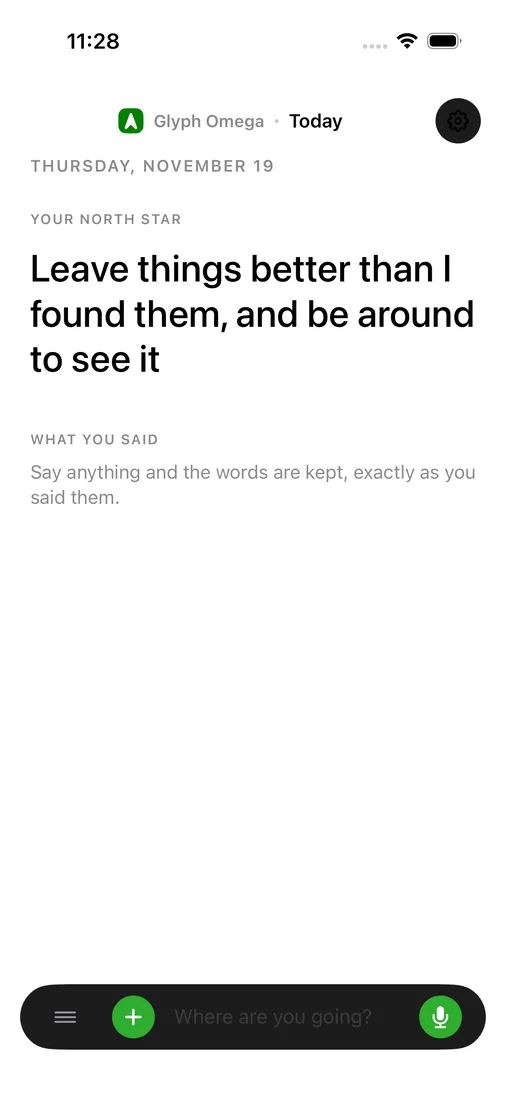
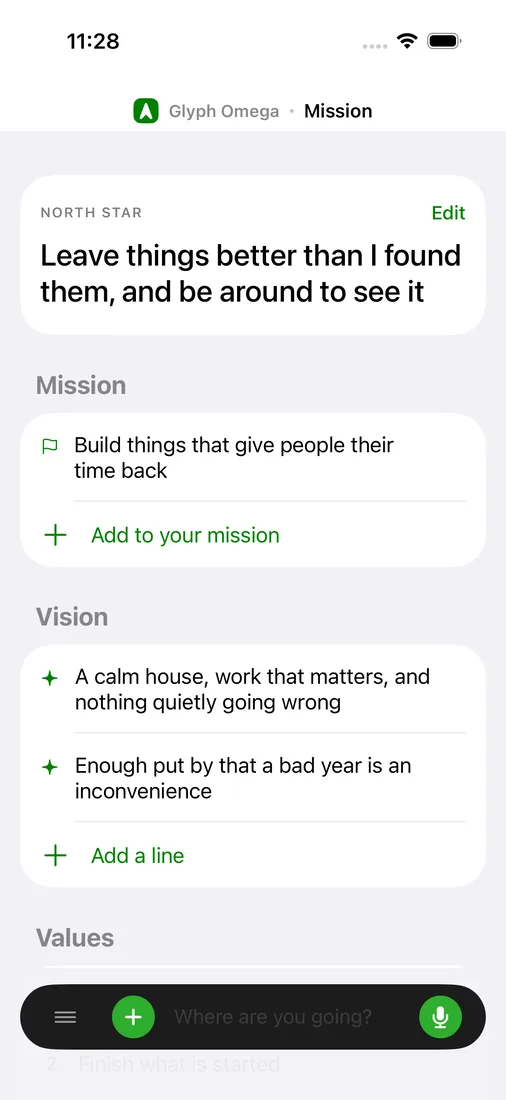
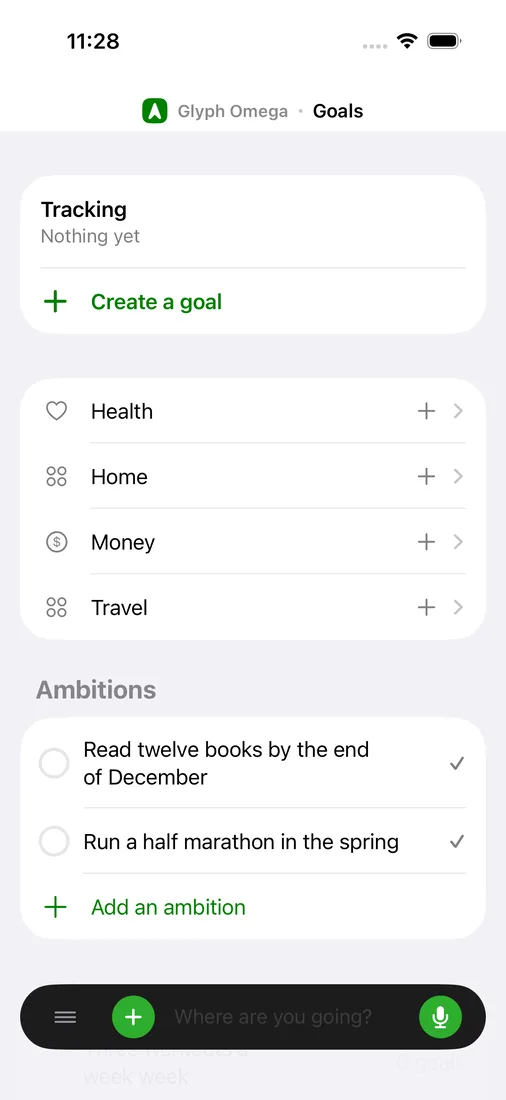
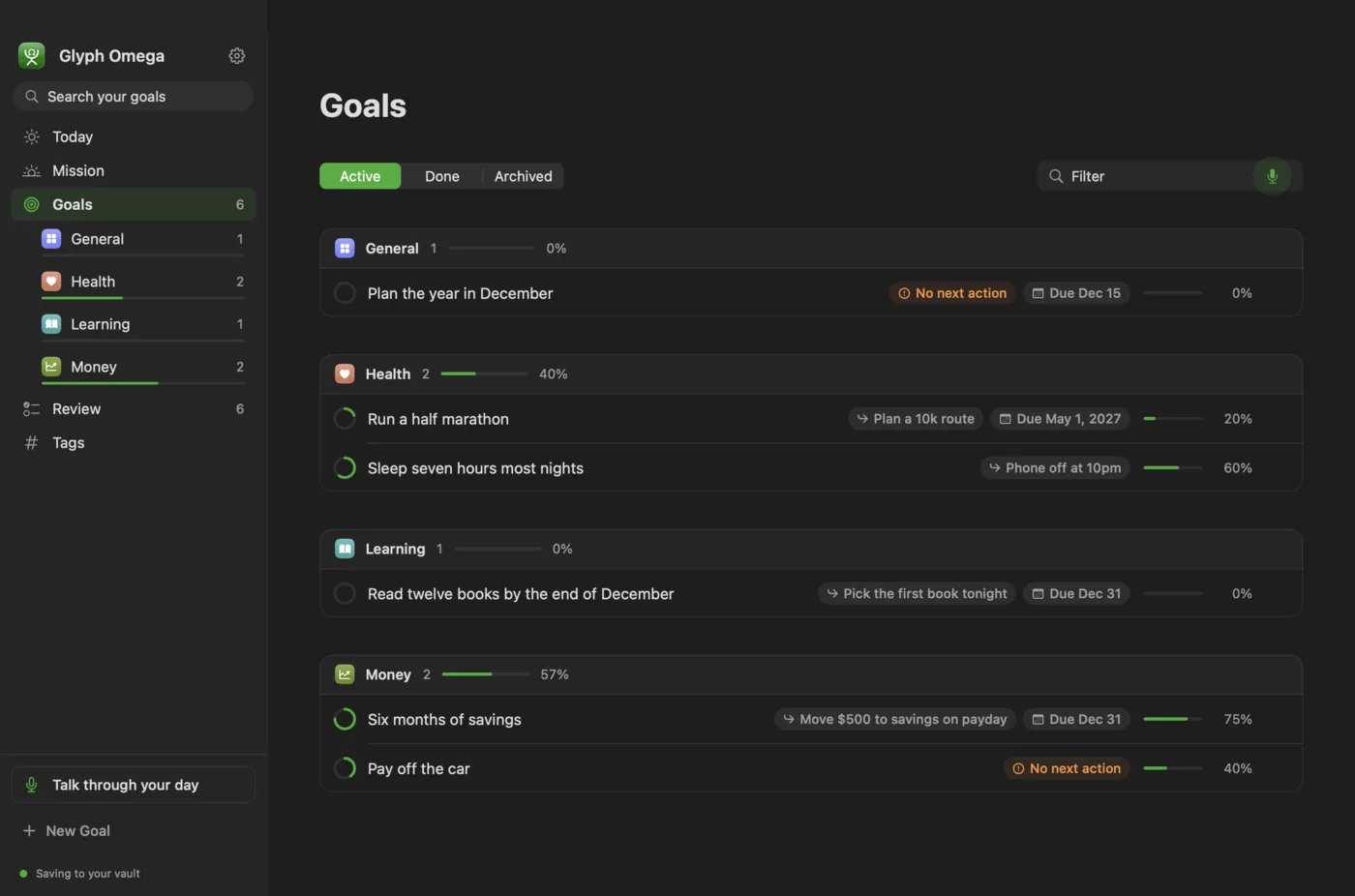
Your mission and goals, broken down. Until what is left is the next move.
Glyph Native installs Glyph Omega and keeps it up to date.
- Plain files
- Private
- Free
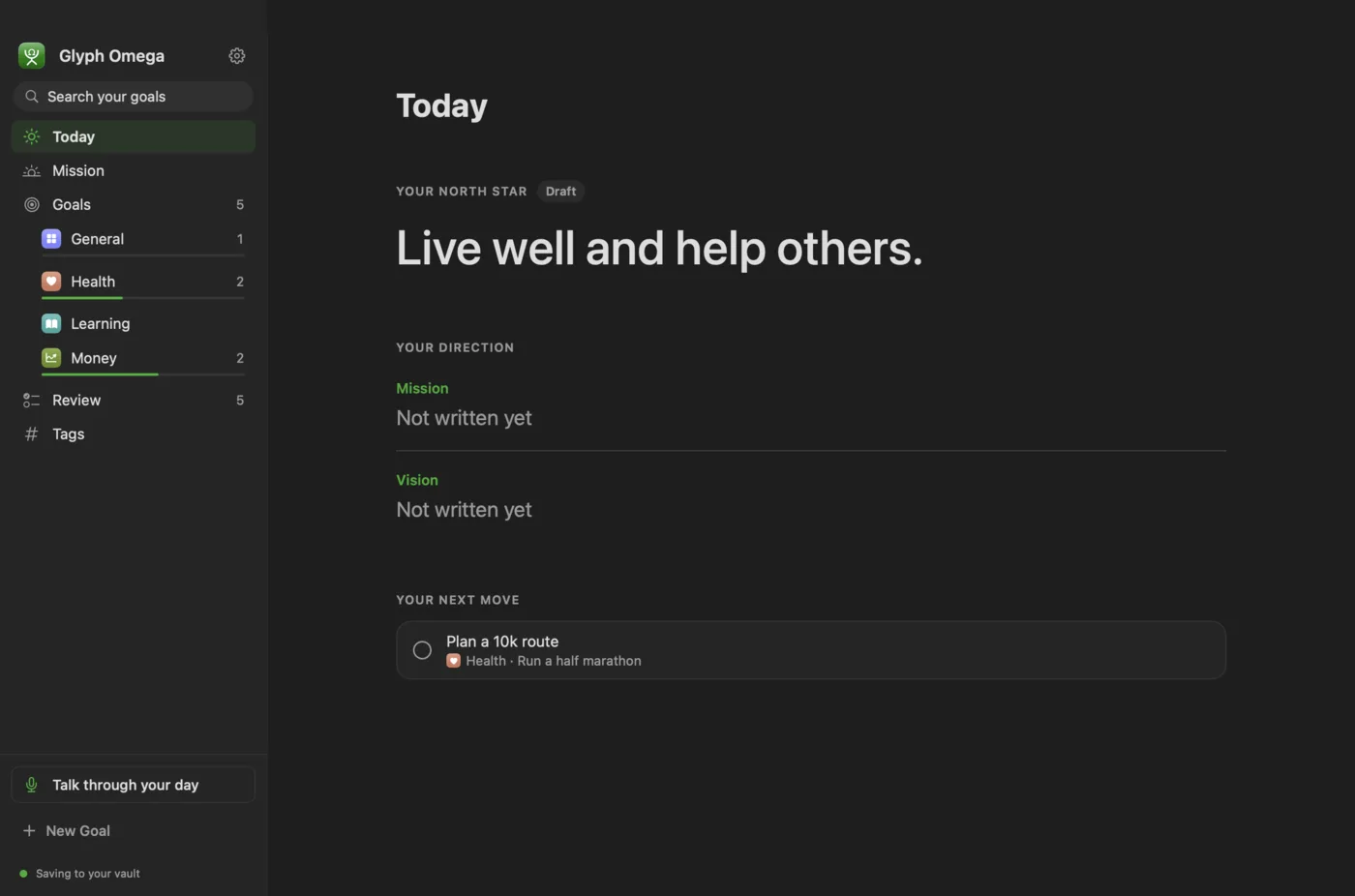
From a north star down to the next thing to do.
Pick an app. Every fact about it links to its own site, as of November 22, 2026.
Glyph OmegaFree Sunsama
 is a paid daily planner that pulls tasks from your work tools onto a calendar, with weekly objectives and a guided weekly review, stored in US data centers. Glyph Omega starts from your mission, values and goals by area of life, kept as plain files in your vault.
Glyph OmegaSunsamaPick Sunsama if your day lives in Asana, Jira, Gmail and your calendar and you want them pulled into one timeboxed plan, on Windows and Android too.
You want goals broken down to the next action, kept in files you own.
Glyph OmegaFree Todoist
 is a cloud task manager on almost every device, with daily and weekly task-count goals and Karma points. Glyph Omega ties each next action to a goal, a value and an area of life, kept as files in your vault.
Glyph OmegaTodoistPick Todoist if you want a fast, proven task list on every platform, shared projects with other people, and a free plan to start.
You want goals broken down to the next action, kept in files you own.
Glyph OmegaFree Notion
 is a cloud workspace of pages and databases; goals and weekly reviews come from templates you build or install. Glyph Omega has mission, values, goals and the weekly review built in, as plain files in your vault.
Glyph OmegaNotionPick Notion if you want one flexible workspace for notes, docs and databases, shared with a team, and are happy to build or pick a goals template.
You want goals broken down to the next action, kept in files you own.
Glyph OmegaFree Things 3Paid
Things 3 is a one-time-purchase task manager for Apple devices, with Areas and Projects and a local database that syncs through Things Cloud. Glyph Omega adds mission, values, goals and a weekly review, and keeps everything as plain files in your vault.
Glyph OmegaThings 3Pick Things 3 if you want a polished task list on Mac, iPhone, iPad, Apple Watch and Vision Pro, paid once, with no subscription.
You want goals broken down to the next action, kept in files you own.
Glyph Omega is installed and kept up to date by Glyph Native, signed and notarized by Apple. Its code is private for now; the family's numbers are public on GitHub.
Plain files in your own vault. Nothing is sent to fru.dev.
Yes.
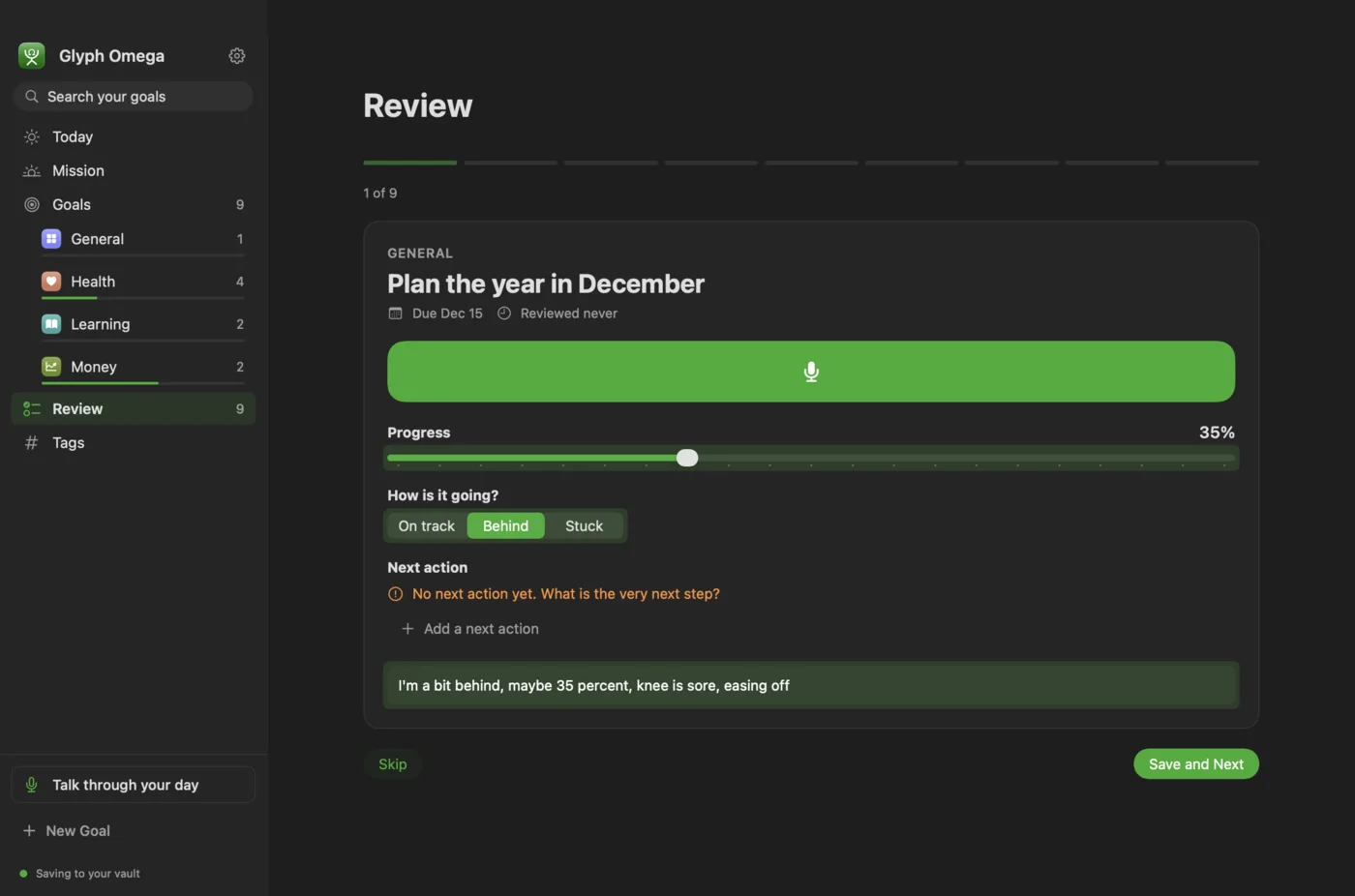
It proposes what changed on which goal, and you confirm before anything is saved.
As plain files in your own vault, the same files your agents read.
It shows the last copy it read, says when that was, and writes nothing until the vault is back.
An Apple silicon Mac on macOS 26 or later; the iPhone app reaches your vault through your own hub. Glyph Native installs it and keeps it up to date, signed and notarized by Apple.
Glyph Native installs Glyph Omega and keeps it up to date.