A quiet count-up
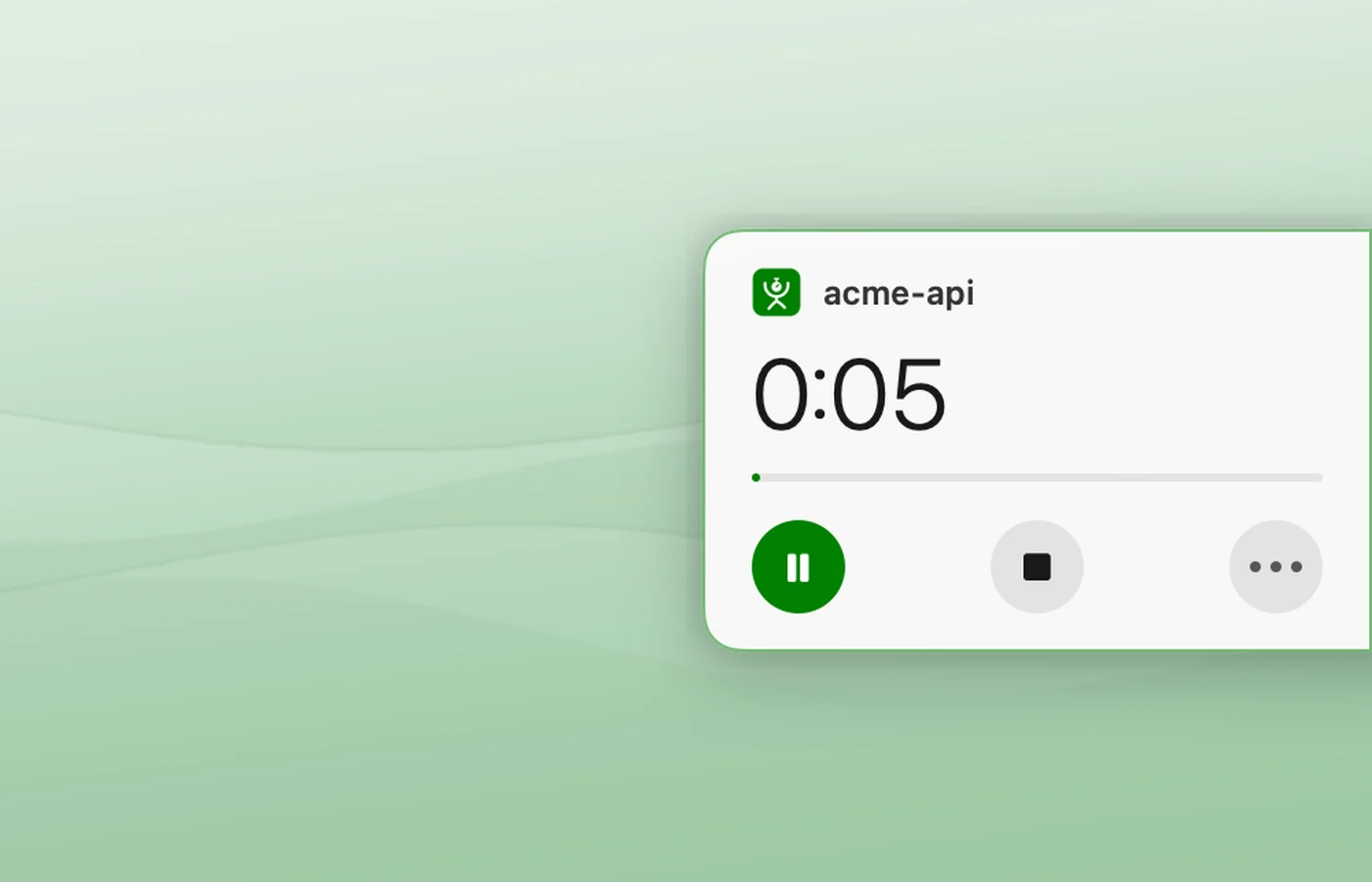
A small count with a dot rests on the right edge of your screen: green while it runs, a hollow ring while paused. Hover it for the project, the time, pause, stop and more.
Start from anywhere
From the clock on the edge, the menu bar, or Control-Option-T. The same keys pause and resume. Nothing ever takes the focus from the app you are in.
Projects guessed for you
Unnamed, a session takes the repo or folder of the terminal or editor in front, else the app's name, shown dimmed as a guess. Name it any time.
A nudge every 30 minutes
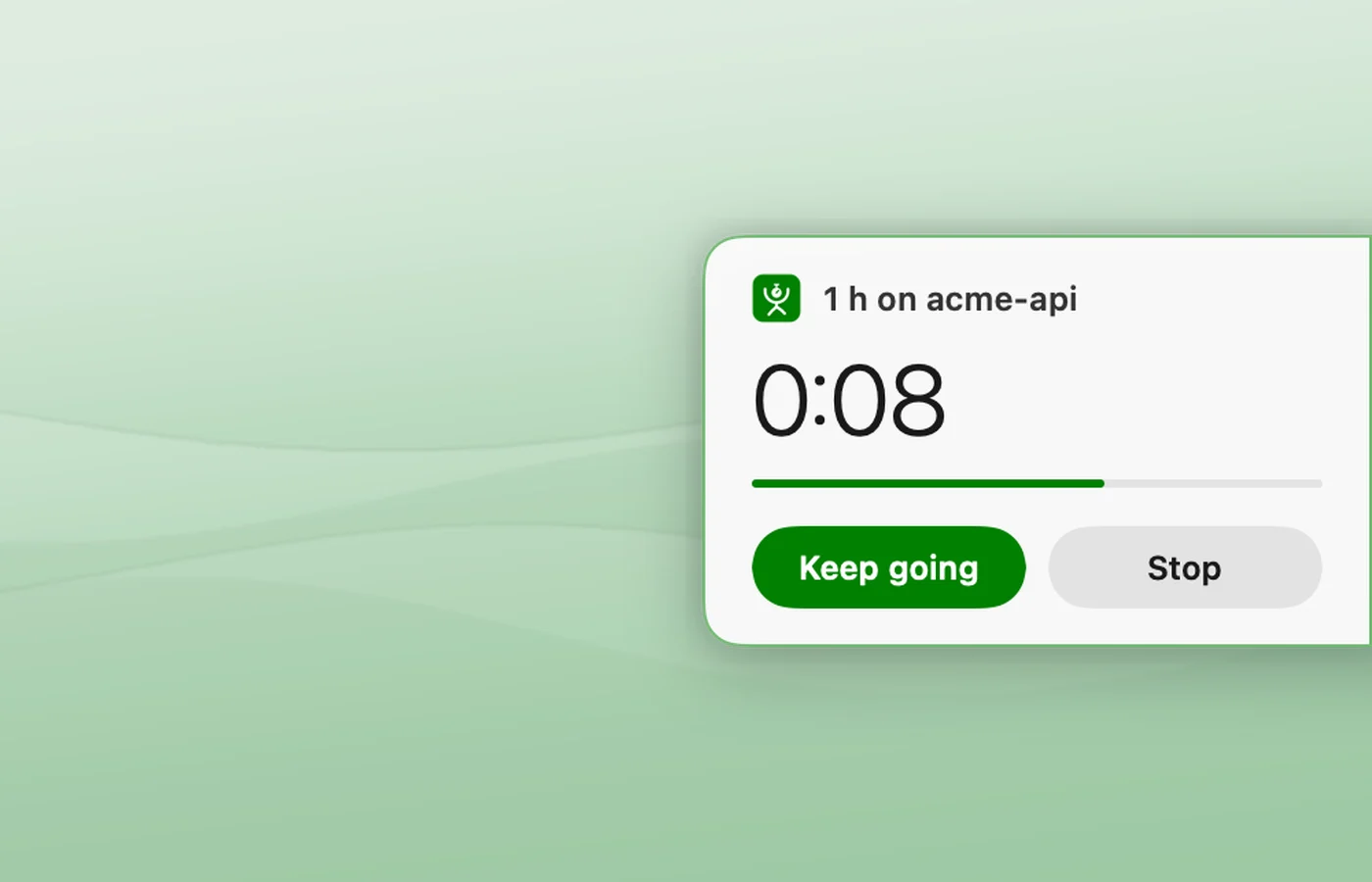
The clock slides out with "1 h on acme-api" and two answers, Keep going or Stop. Left alone it fades back after 8 seconds. Every 15 to 90 minutes, or never.
Count down
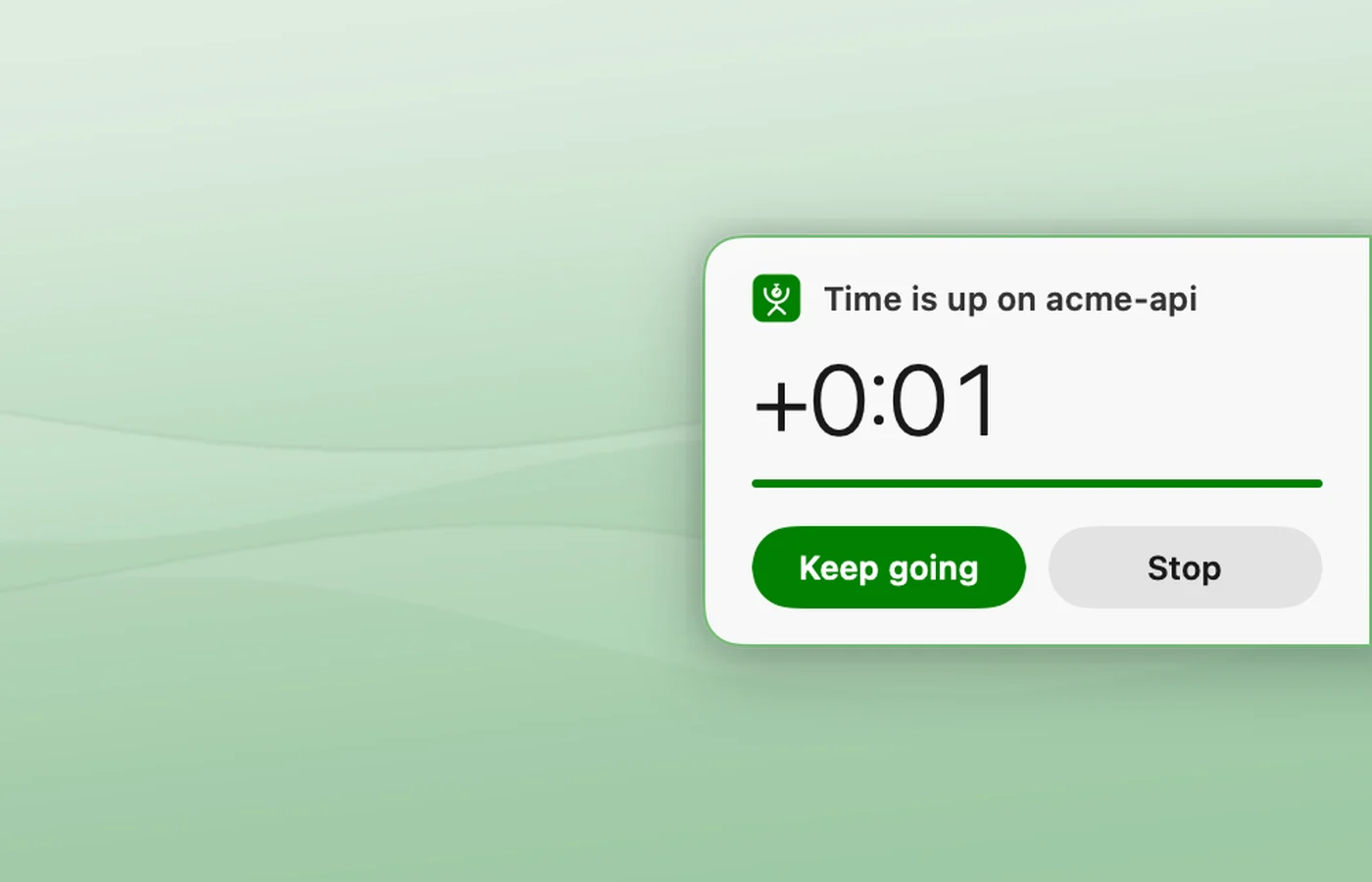
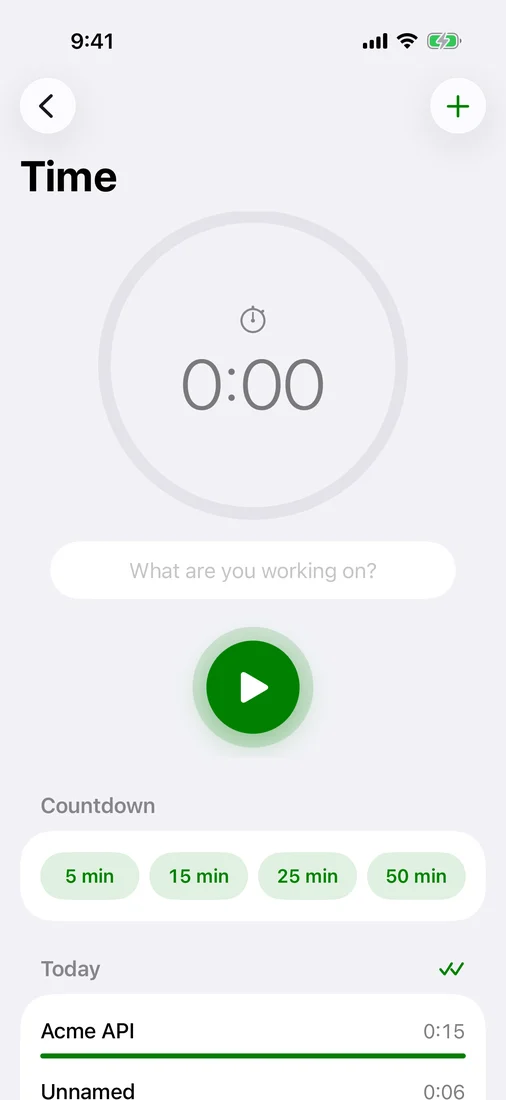
15, 25, 50 or 90 minutes. At zero it says so and keeps counting the time over until you stop.
Away, locked or asleep
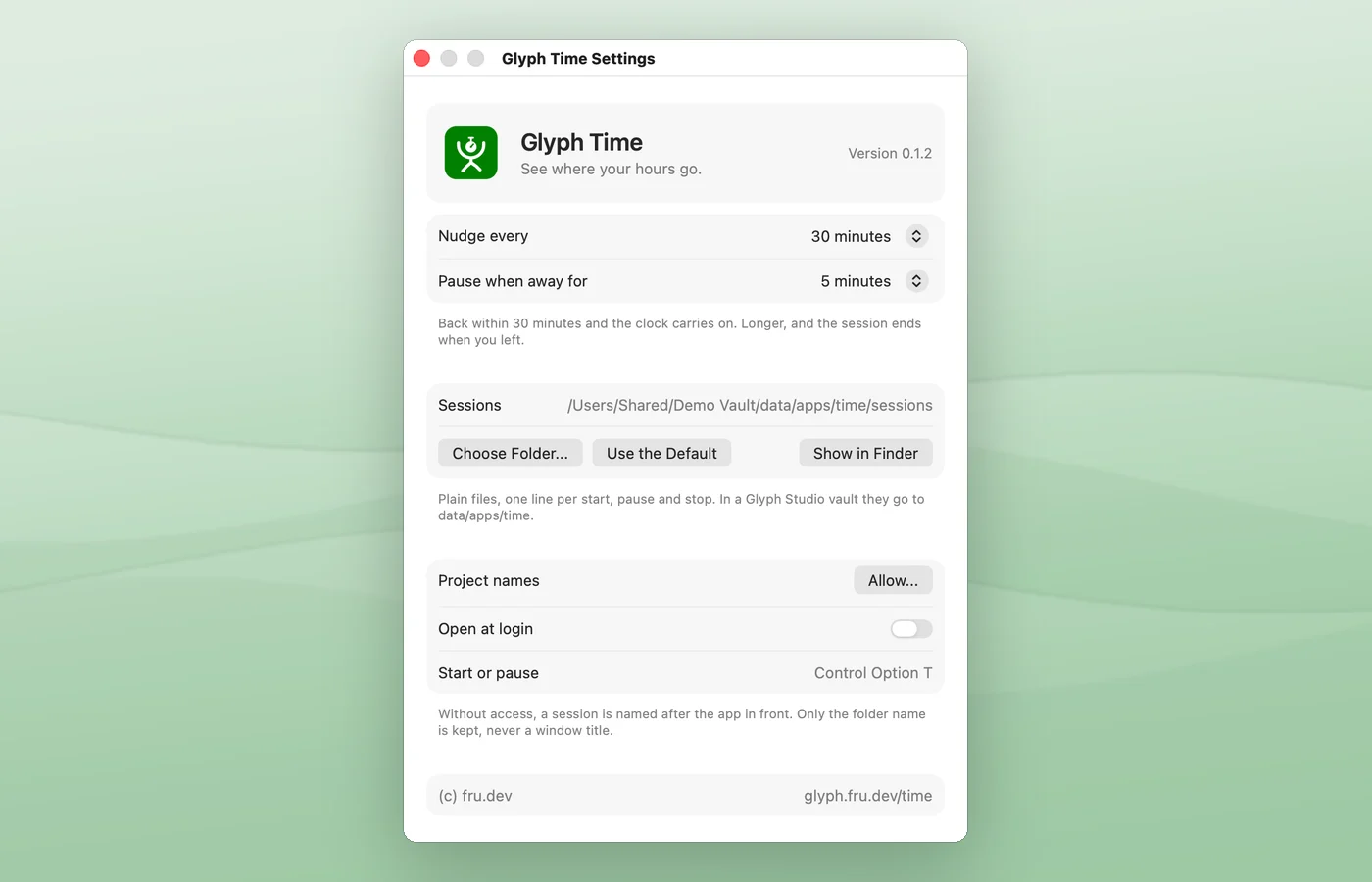
Five minutes without a key or the pointer, the screen locked or the Mac asleep pause the clock. Back within 30 minutes, it carries on; longer, the session ends when you left.
Today
The menu bar lists today's projects and their time, from every device.
Saved to your vault
One line per start, pause, resume, nudge and stop, in plain files. Each Mac writes its own file, so a synced folder never conflicts. Quit or crash and the clock picks up where it was.
Made for Glyph Studio
Point it at a Studio vault and it also writes a short summary by project and device, where Studio and your agents read it.
Private
Only the project name and the front app are kept: never a window title, a URL or anything you typed.
iPhone
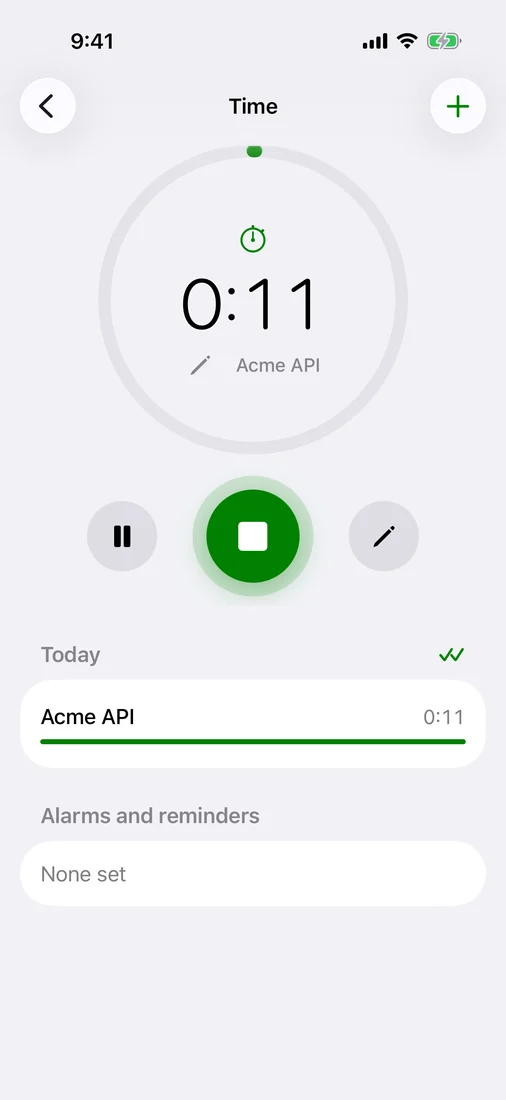
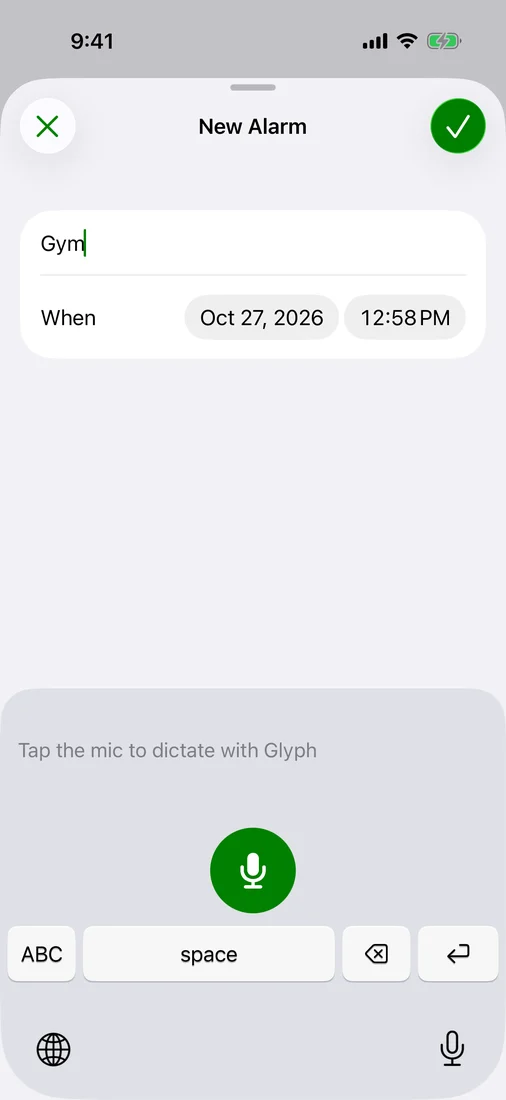
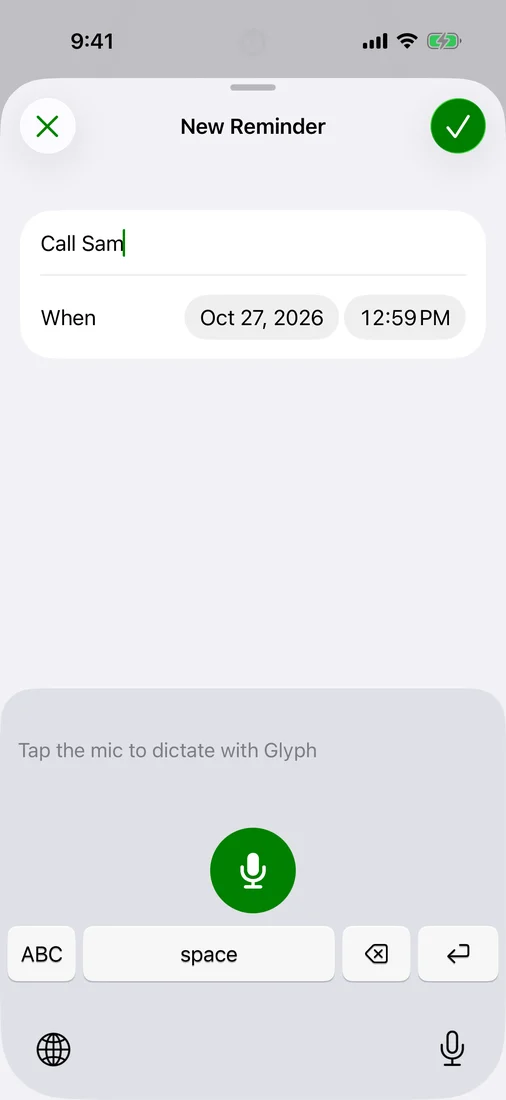
Time is in the Glyph app on iPhone too: the clock, countdowns, alarms and reminders, saved to the same vault. In TestFlight testing, not on the App Store yet.
Open source
MIT. Signed and notarized by Apple.