A screen recorder first
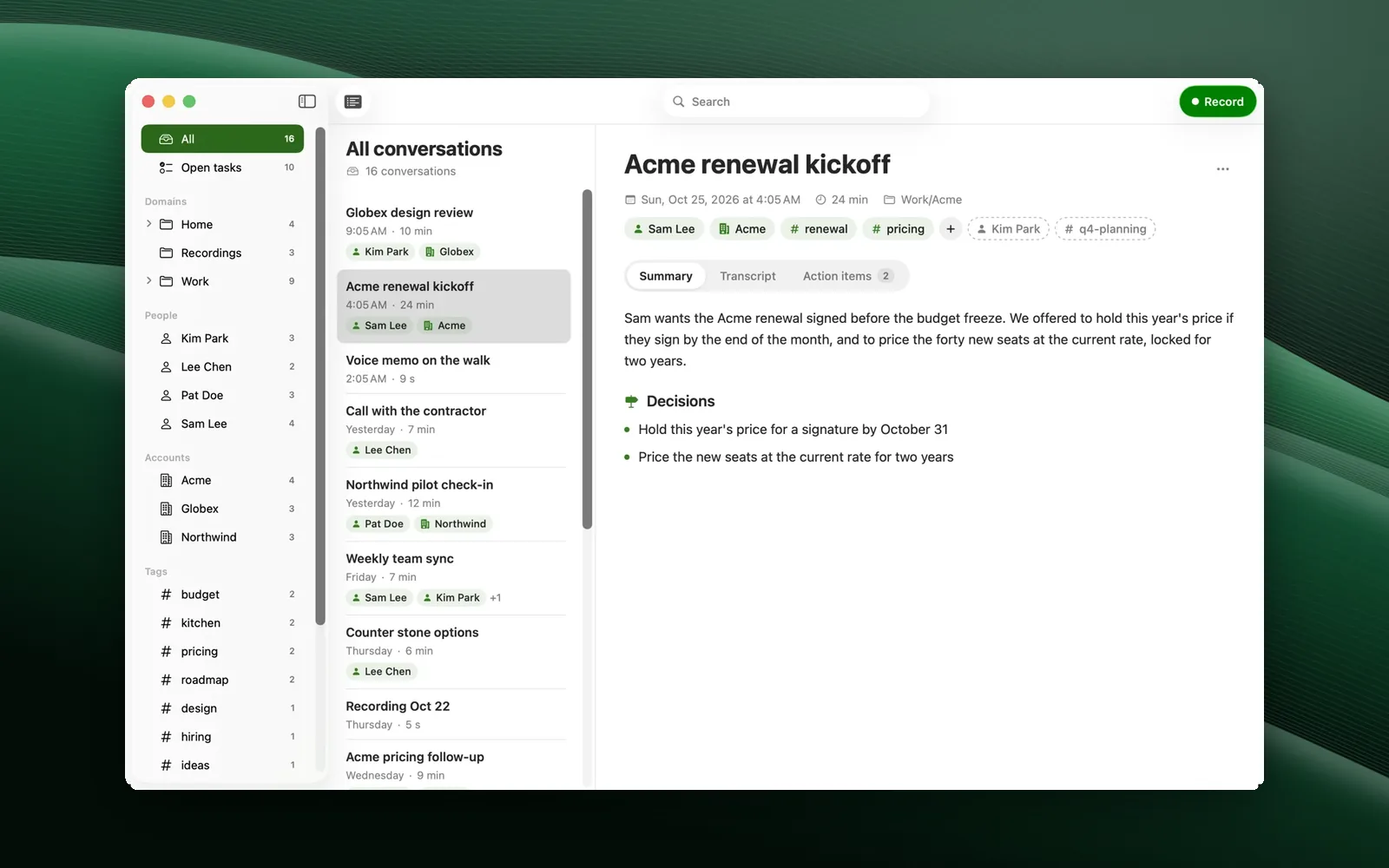
Record any display with your mic and, if you want, the Mac's sound. Then Cast does the editing a recorder leaves to you.
Record from anywhere
Pick the display and microphone and press Option-Command-R. A countdown runs, and a bar at the top shows the time, your mic, Pause, Restart and Stop. Neither the bar nor the red edge is in the video.
Ready on its own
When you stop, it lines the mic up with the video, removes background noise, shapes and levels the voice, and transcribes it. About a minute for every ten recorded.
Ums and pauses
Filler words (um, uh, "the the", you know) and long pauses are found and shown in the transcript. One click removes them, a second click brings them back. Pauses while the screen was moving stay in.
Studio Sound
Noise removed, voice shaped (rumble cut, presence, de-ess, gentle compression) and leveled to -14 LUFS, YouTube's loudness. Blend your original mic back in if you like.
Edit the words
Click a word to play from there; Option-click to cut it or bring it back; select a stretch and Cut. The waveform shows every cut in red.
Framed and zoomed
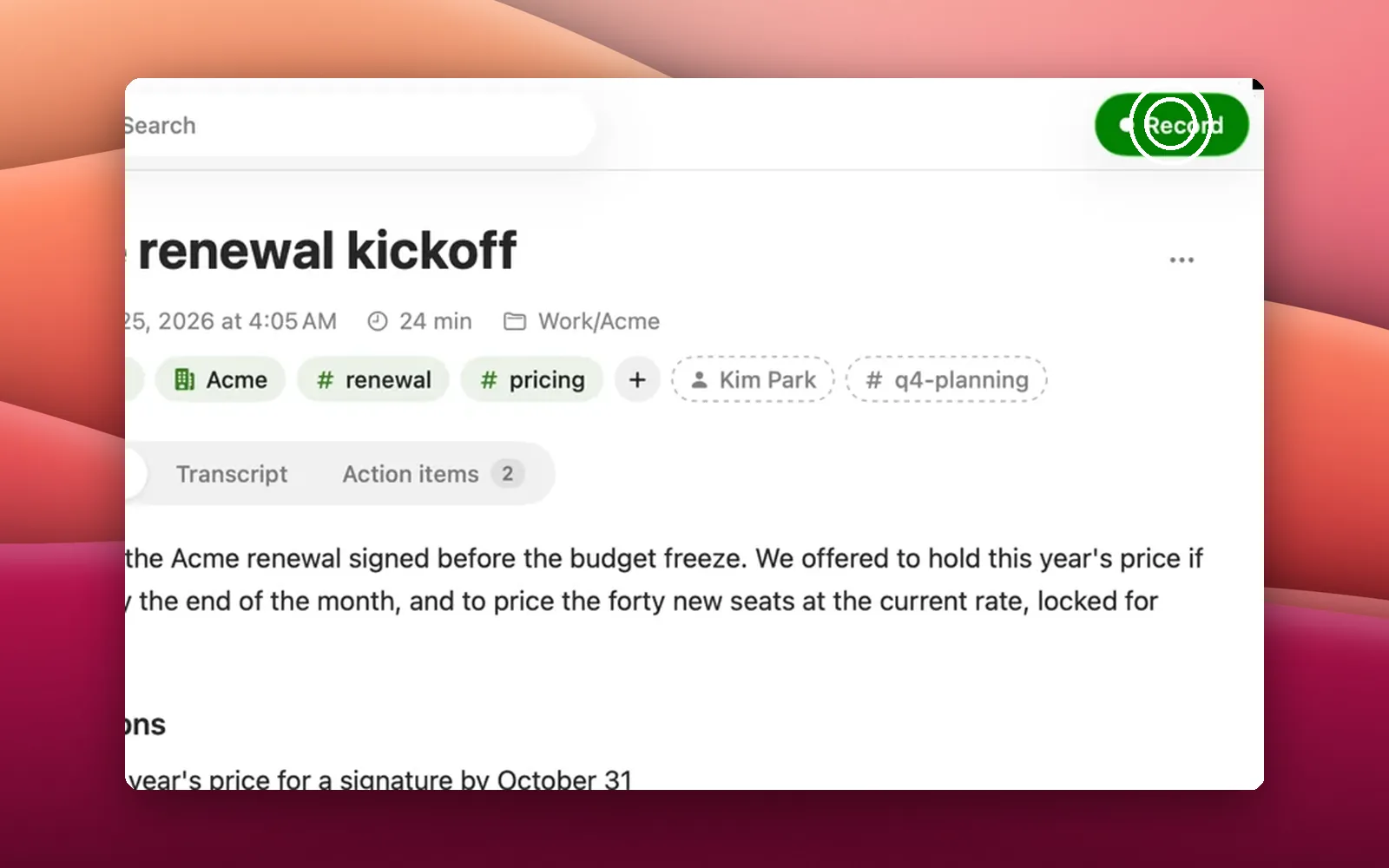
Your screen on one of 18 wave wallpapers, your desktop picture or any image, with padding, corners and shadow, zooms where you click and click rings.
Intro and outro
Attach your own clips at export, or leave them off for this one.
Export MP4
1080p, 1440p or 4K at 60 fps, with a matching .srt of the words you kept.
Private
Transcription and cleanup run on your Mac. Recordings stay in your Movies folder as plain files.
Was Capture
Glyph Cast was called Capture until it joined the Glyph family in October 2026.
Open source
MIT. Signed and notarized by Apple.